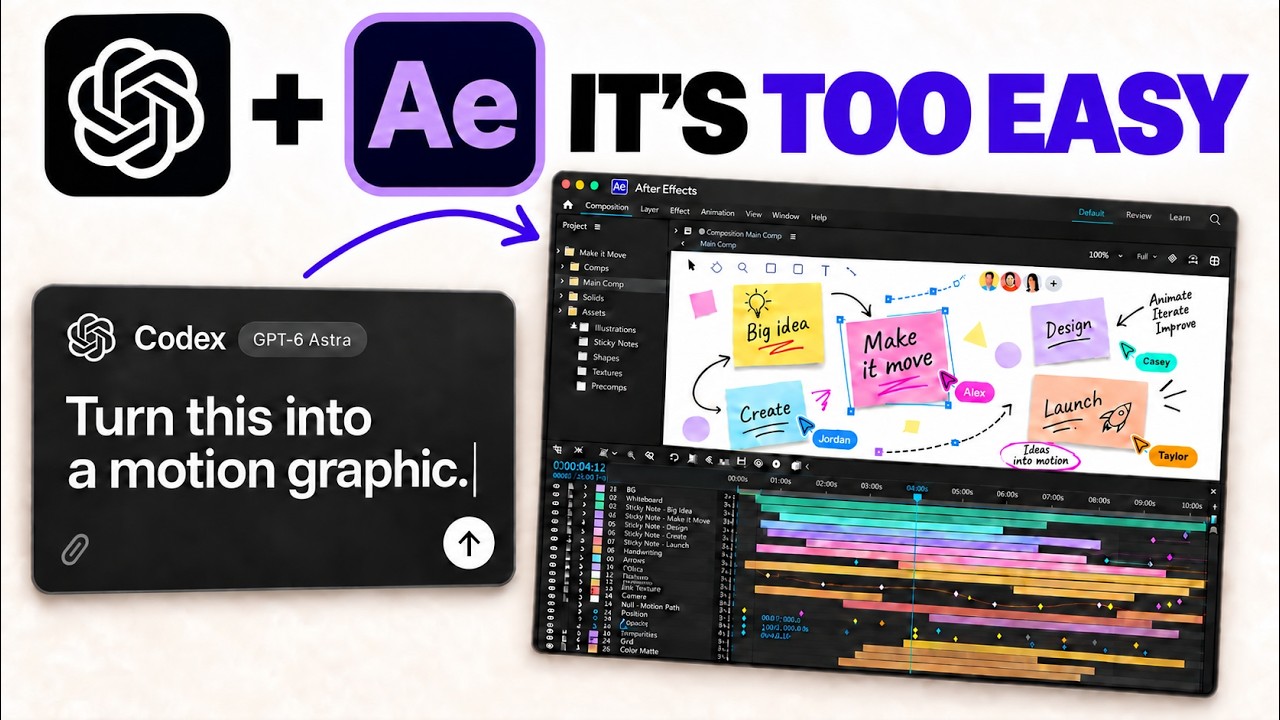
GPT-6 Astra for Motion Design: How It Actually Works
GPT-6 Astra for Motion Design: How It Actually Works
GPT-6 Astra is the best model I've seen for motion design, and once you add a motion design skill to it, you can go from a single text prompt to a finished explainer video, product ad, or kinetic promo without ever touching a timeline. I've run it on three real demos — a 2D explainer, an exploded product film, and a Canva campaign video — and the outputs were legit off basic prompts. Here's exactly how the setup works, how to install it yourself, and what's happening under the hood so you can customize it.
The short version: you show up with an idea, pick a style, and the system builds the prompt, generates the video, and even self-corrects. You're not starting from a blank timeline. You're starting from things that already work.
What Makes GPT-6 Astra Good at Motion Design?
The model isn't doing this alone. The thing that makes it work is a motion design skill — and this is the part most people miss. The skill gives your AI model a motion library: a set of reference videos it bases its creations off of, so you never start from scratch.
Think of it like a style gallery. Want a product video that shows the inner workings of something? There's an exploded product template for that. Want kinetic typography? That's in there too. Each style has a proven prompt sitting behind it, and the model uses that as the template for your specific creation.
Here's the important part: this works with any AI model, not just Astra. If you're running Claude Code or Fable 5.1, the same skill works. Astra just happens to be the strongest at it right now because it can also generate its own reference images natively.
How Does the Motion Design Skill Connect to Video Generation?
The skill is only half the equation. The other half is the Higgsfield MCP.
Here's the flow:
- The skill holds the reference videos and writes the detailed prompt for you.
- Higgsfield receives that prompt and uses Seedance 2.5 to actually generate the motion graphics.
- Image generation defaults to GPT Image, but you can swap it for whatever you want.
Inside Astra, the model can create images on its own. But if you're working in Claude Code or Fable 5.1, you'll route image creation through Higgsfield too. Seedance 2.5 is the default video model because it's the best AI video generation model available, but the skill is flexible — swap in any video or image model you prefer.
The inputs are flexible too. You can give it plain text, a reference image, or even a reference video. You just need an idea and a rough sense of what you're going for.
How Do You Set Up GPT-6 Astra for Motion Design?
Setup is genuinely simple. Here's the process:
- Connect Higgsfield. Go to higgsfield.ai, open the MCP and CLI section, and pick your platform. If you're on ChatGPT, add the Higgsfield plugin and walk through the authentication — login, password, done. Both the MCP and CLI work.
- Install the skill. You get two prompts you can paste into Claude Code or Codex, and they install the skill for you. There's also a set of guides specifically for Higgsfield.
- Call it. Hop into Codex or Claude Code, type
/motion-designto call the skill, and give it your prompt.
The big advantage of the MCP path: instead of bouncing between the Higgsfield UI and your coding tool, you sit inside Codex or Claude Code and do everything from one place.
What Can You Actually Build With It? Three Real Demos
I ran three demos to see what the setup produces from basic prompts. None of these needed a strong creative vision going in — the inputs were nothing serious.
2D Explainer: How Noise Cancellation Works
The prompt was one line: "Use motion design to make a 15-second flat vector explainer about how noise-canceling headphones work. Adapt the flat vector sample, show the mechanism, and show me the full prompt before generating."
From that, the skill generated a much deeper prompt — color palette, hero element, typography, motion, and a full beat sheet describing what happens on each slide. It also generated the audio. The final video walked through microphones detecting noise, a processor creating an opposing signal, and the waves combining at your ear to cancel the sound. Two generations, one line of input from me.
Exploded Product Film: A Mechanical Keyboard
For this one I used the deconstructed watch template from the style gallery. The prompt: "Use motion design to create a 20-second exploded product film for this keyboard using the two images." I included two reference images Astra created itself — the keyboard with its keys, and a shot of the internals. The output was a clean exploded-view film of the keyboard.
Kinetic Promo: A Canva Campaign
The last one built off a website link. The prompt: "Use motion design to make a 20-second kinetic promo based on canva.com's visual suite. Show one fictional coffee shop campaign becoming a social post, a story, or a presentation. Adapt the kinetic typography example and end with 'one idea, every format.'"
I gave it the URL to a specific Canva product page and it turned that into a video — breaking down every scene and building a soundscape, essentially on a one-shot.
Why Doesn't It Just One-Shot and Pray?
This is my favorite part. Most of these videos weren't single generations. The system has a built-in self-correction loop.
Here's how it works: the model generates the video, compares that first generation against what your prompt was actually asking for, and if a particular section needs work, it regenerates just that part using Seedance 2.5. It keeps adjusting until the output matches the intent — instead of spitting out one take and hoping it's good.
And if you're worried about burning credits or tokens, you can dial the iteration count down. The point is the system is built to iterate, not gamble. That's the difference between a toy and something you'd actually ship.
Is Motion Graphics Fully Solved Now?
No. Let me be straight — it's not completely solved. There's still real work that can be done, and a motion designer with a strong vision is going to push these outputs further than a one-line prompt will.
But here's the thing: compare where we are now to where we were even a few months ago, and the direction is obvious. These skills and models are a floor-raiser for people who aren't motion designers. With Astra, Fable 5.1, and a motion design skill, someone with zero motion background can produce genuinely solid 2D explainers, product films, or kinetic campaigns. And if you're willing to iterate instead of one-shotting, the ceiling goes way up.
Frequently Asked Questions
Do I need GPT-6 Astra specifically to use the motion design skill?
No. The skill works with any AI model, including Claude Code and Fable 5.1. Astra is the strongest option right now because it can generate its own reference images natively, but the same skill and the same Higgsfield MCP pipeline work across models.
What video model does the motion design skill use?
By default it uses Seedance 2.5 for video generation and GPT Image for images. Both are swappable — you can plug in whatever video or image model you prefer without changing how the skill works.
How long can the generated videos be?
The demos ran at 15 and 20 seconds. Seedance 2.5 can go up to roughly 30 seconds per generation, so you have real room to work within a single clip.
Can I give it a website instead of a text prompt?
Yes. In one of the demos, the input was just a link to a Canva product page. The skill can work from text, a reference image, a reference video, or a URL and turn any of those into a motion graphics prompt.
Does the skill handle audio too?
Yes. The 2D noise-cancellation explainer generated its own audio alongside the motion graphics, and the Canva promo built out a full soundscape as part of the prompt.
If you want to go deeper into AI motion design and skills like this, join the free Chase AI community for templates, prompts, and live breakdowns. And if you're serious about building with AI, check out the paid community, Chase AI+, for hands-on guidance on how to make money with AI.