How to Control AI Video: The Foundational Image Strategy
Most people use AI video generators like a slot machine. You generate, hope it looks good, regenerate, and pray you get the right output. The only way to fix this is to establish a Foundational Image before you generate a single frame of video. By using one master image to dictate the aesthetic and character data for every subsequent shot, you turn the lottery into a controlled workflow.
I treat AI video production like a film shoot. You don't just show up and start filming; you have a storyboard and a lookbook. If you want to use AI image or video in a commercial context, you cannot rely on random seeds.
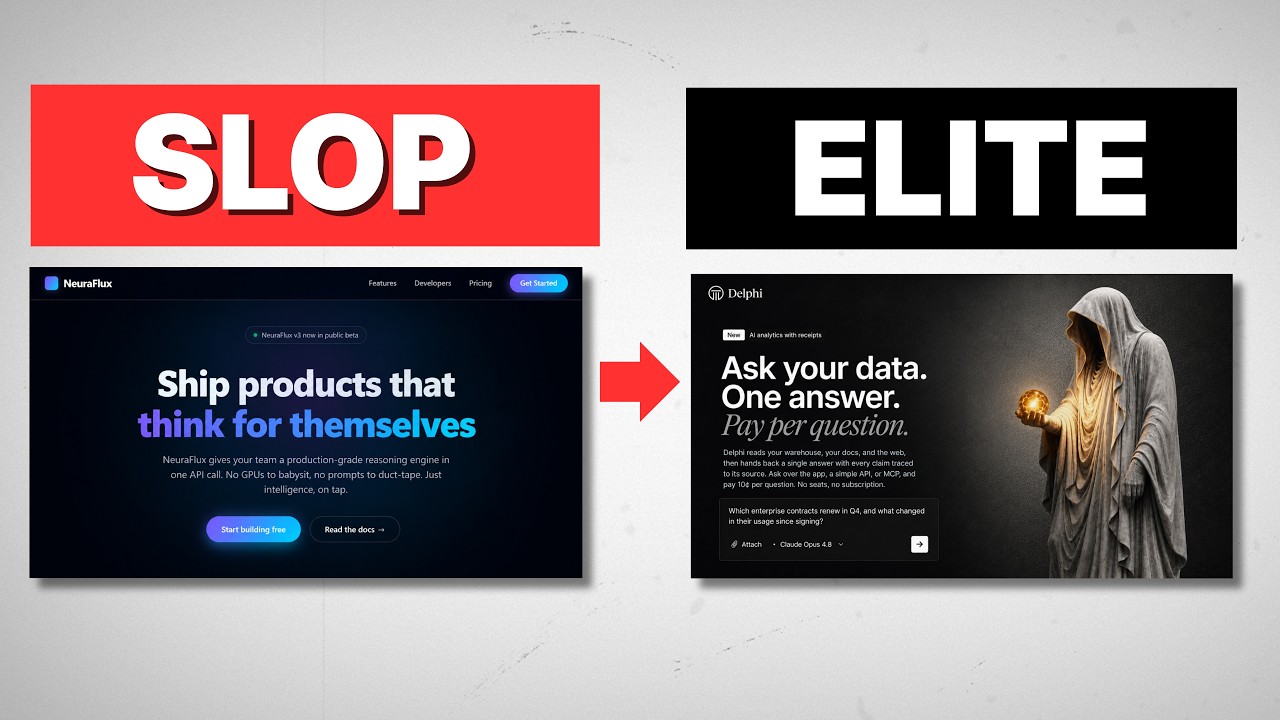
Here makes the difference between AI slop and professional output: Control.
I’ve spent hundreds of hours in tools like Midjourney and Runway, and I’ve found that the secret isn't a complex magical prompt. It's about anchoring your AI to a single source of truth and then using precise filmmaking terminology to move the camera.
Here is how you go from a single image to a fully directed scene.
What Is a Foundational Image and Why Do You Need It?
A Foundational Image isn't just your starting frame. It is the DNA of your entire project. This single image influences every follow-on image and every second of video you generate.
Most people get this wrong. They try to generate shots individually, and then they wonder why the main character’s face changes slightly between clips or why the lighting shifts from cool to warm.
The Foundational Image defines the main character, the aesthetic, the color palette, and the vibe. Everything spawns from here. If you get this wrong, everything downstream will be disjointed.
For a recent project, I needed a female Viking in the woods. I wanted a gritty aesthetic—snow, greens, whites, grays, hyper-realism. Once I generated that image in Midjourney, that was it. That image became the "parent" for every other shot.
How Do You Maintain Consistency Across Different Camera Angles?
Once you have your Foundational Image, you need to create variations—different angles and distances—without losing the character’s likeness or the scene’s vibe.
If you just type "Viking woman looking at camera" for your next shot, the AI will generate a new Viking woman. She won't look like your actor.
You have to use your Foundational Image as a Style Reference (sref) or image prompt usage depending on your tool (like Midjourney or Leonardo). You feed the original image back into the AI and tell it: "Keep this look, but change the camera angle."
The Vocabulary Problem
This is where it gets interesting. The reason your prompts are failing is likely because you don't know the technical terms for the shots you want.
If you aren't a filmmaker, you might try to describe a shot like this:
"I want the camera to be tilted so she looks kind of candid and the background is blurry but she is in the foreground."
The AI might get that right, or it might get confused by your word salad. But if you know the actual term, you just type:
"Dutch Angle."
Because models like Midjourney (and the Gemini models often running in the background of other tools) are trained on film data, they know exactly what a "Dutch Angle" is. They instantly give you that tilted, candid look. The same applies to terms like "Macro Shot" or "Bird's Eye View."
By using the correct terminology, you make your prompts shorter, simpler, and significantly more effective. I maintain a prompt library with over 40 specific camera movements and angles just so I don't have to guess the descriptions.
How Do You Use First and Last Frames for Video Control?
Generating images is step one. Step two is turning them into video using tools like Runway Gen-3 (often referred to as VO3.1 in technical discussions).
When animating, you have two options for control:
- First Frame only: Good for simple movements like a slow zoom.
- First Frame + Last Frame: Essential for complex transitions.
The "First Frame/Last Frame" technique is the highest leverage move in AI video right now.
Let’s look at a specific example: A Rack Focus. This is where the shot starts blurry and brings the character into sharp focus. If you only provide the start frame (the blurry one) and tell the AI to "reveal a Viking woman," it will hallucinate a random face that doesn't match your Foundational Image.
To fix this, you generate two images in your image generator:
- The blurry shot.
- The clear shot of your specific character.
You upload both to the video generator as the Start and End frames. Now, the AI has no choice. It has to interpolate the pixels from point A to point B. It cannot invent a new person because you've already defined the destination.
How Do You Write Prompts for Transitions?
Even with Start and End frames, you still need a text prompt to tell the AI how to get from A to B. If you are stuck, stop guessing. Use an LLM like Claude or ChatGPT to write the technical prompt for you.
Here is the workflow:
- Upload your First Frame and Last Frame to Claude.
- Ask: "Give me a text prompt for an image-to-video generator that moves from the first frame to the last frame. Description: [Insert specific camera move like 'slow cinematic rack focus']."
- Paste the result into Runway or Luma.
I used this exact method for the Viking project. Claude gave me a prompt about a "slow cinematic rack focus pull," and the result was perfectly smooth.
Why Most People Fail at AI Video
The technology is ready, but the user workflows are broken. People fail because they lack two things:
- A visual anchor (The Foundational Image).
- A technical vocabulary (The Prompt Library).
When you combine a consistent reference image with precise film terminology, you stop playing the slot machine. We aren't creating art by accident anymore; we are directing it.
FAQ
What is a Foundational Image in AI video?
A Foundational Image is the primary reference image you create at the start of a project. It establishes the character, lighting, and art style. You use this image as a reference (image prompt or style reference) for all subsequent generations to ensure consistency across the video.
Which AI tools are best for this workflow?
Currently, I recommend using Midjourney (specifically v6 or newer) to create your Foundational Images and variations because of its high aesthetic fidelity. For video generation, Runway Gen-3 Alpha provides the best control for Start and End frames.
Why do my characters look different in every shot?
This happens because you are prompting from scratch for every new angle. The AI treats every prompt as a new request. You must use your first image as an image prompt or utilize feature sets like Midjourney's Character Reference (cref) to force the AI to retain facial features.
Do I really need to know film terms like "Dutch Angle"?
Yes. Using the correct industry terminology is a shortcut for the AI. It drastically reduces hallucination because the model has specific training data associated with terms like "Dutch Angle," "Dolly Zoom," or "Macro," whereas long descriptive paragraphs often confuse the model.
If you want to go deeper into builds like this, join the free Chase AI community for templates, prompts, and live breakdowns.