n8n Nod: The Open-Source Personal AI Agent
n8n Nod is a free, open-source personal AI agent that runs on your own computer and works with any model. Here is how it differs from Dots, Duet, and Grokbot — and how to install it.
Want to learn Claude Code?See the Claude Code Masterclass
On this page
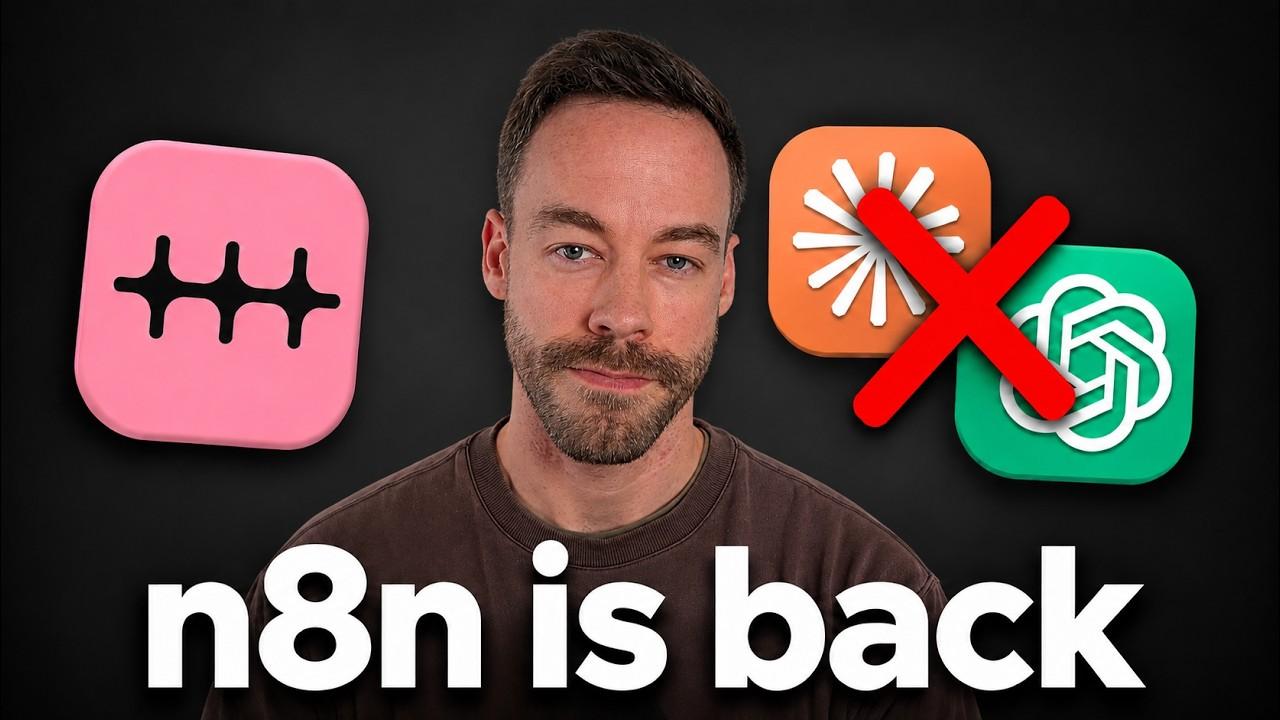
n8n Nod is a free, open-source personal AI agent that runs entirely on your own computer instead of in someone else's cloud. It does the same job as Claude Duet, ChatGPT Dots, Grokbot, and Muse — reading your email, browsing websites, running scheduled tasks — but with two things none of those give you: full source code you can fork, and the ability to plug in any model you want, including a local one. I dug through the repo and installed it myself, and here's exactly what makes it different and how to run it.
Nod comes from n8n Labs, the same team behind the n8n automation platform, and it shipped as a research preview for Mac and Windows on November 10, 2026. The repo already crossed 1,000 GitHub stars within a day of release — it had about 30 the day before — on top of roughly 1,200 commits of quiet development before launch.
What Is n8n Nod?
Nod is a personal AI agent that lives on your desktop. You talk to it through a native app, and it goes off and does real work in your programs and on websites — checking your inbox, drafting replies, filling out forms, watching a flight price. On the surface, that's identical to the wave of personal agents the big labs have pushed out over the last month: Duet from Anthropic, Dots from OpenAI, Grokbot from xAI, and Muse.
Here's the thing that actually matters. Those four are black boxes. You get what the lab ships, running on the model the lab chose, inside the lab's cloud. Nod is open source under Apache 2.0, so you can fork it, read every rule it follows, and change how it works. That's the whole pitch in one sentence.
How Is Nod Different From Dots, Duet, and Grokbot?
The best way to understand Nod is to compare where the agent actually lives.
With Dots, you type a request into the ChatGPT app. That request travels to OpenAI's cloud, where a virtual machine is either always running or spun up on demand. The model does the work on their hardware and hands you the result. Duet, Grokbot, and Muse all work the same basic way.
Nod flips that. You talk to Nod through a desktop app — or remotely through Telegram or WhatsApp — but the request never leaves your machine. It doesn't touch n8n's servers. Nod runs its own server, its own isolated Linux virtual machine, and its own browser, all locally on your device. That one architectural choice drives every advantage and every tradeoff that follows.
There are three reasons this is worth paying attention to:
- It's open source. Fork it, clone it, customize it. Nothing is hidden.
- You choose the model. Run it fully local, point it at an API, or attach your existing ChatGPT subscription.
- Security is built in. A local vault handles passwords so your credentials never reach the AI model at all.
Can You Run Nod on Any AI Model?
Yes, and this is the feature that separates Nod from everything else on the market. You get three realistic paths:
- Fully local and basically free. Nod runs on a local large language model through Ollama. The agent lives on your computer, the model lives on your computer, and you pay for nothing but electricity.
- Any model through an API. Point Nod at OpenRouter and you get access to almost every model available, paying per token.
- Your existing subscription. Connect your ChatGPT account and route Nod's work through your plan's limits instead of paying separate API fees.
That flexibility is the entire reason to care. A black-box agent locks you into one lab's model and one lab's pricing. Nod lets you trade cost, privacy, and capability however you want on any given day. Want maximum privacy with nothing leaving your laptop? Run local. Need frontier-level reasoning? Route it through an API or your subscription.
Is Nod Actually Private?
The privacy story is the strongest argument for a local-first agent, and Nod leans into it in two ways.
First, the Linux virtual machine runs on your device, not in the cloud. It's automatically isolated, so it can't damage the rest of your computer even though it's running locally. Your activity isn't being executed on someone else's server.
Second — and this is the part most people overlook — Nod has a local vault for credentials that the AI model never sees. You can import passwords, logins, even credit cards, or link it to 1Password. When Nod hits a site that needs a login, the local Linux server types the credentials in. The passwords are never passed to the language model and never sent to the cloud.
That's a real distinction. It means you can tell Nod to log into an account or buy something online without handing your secrets to whatever LLM you're using. One honest caveat worth checking in the docs: by default, some app connections route through an n8n-hosted relay, and new installs share basic usage data unless you turn that off in settings. If total isolation is the goal, verify those settings and run a local model.
How Do You Install n8n Nod?
Setup is a standard desktop install, not a developer slog. Here's the flow:
- Download it. Go to
nod.n8n.io(or grab the repo directly atgithub.com/n8n-io/nod). You'll get an.exeinstaller on Windows — run it and follow the steps. - Get started. Launch the app and click "Get started."
- Connect your accounts. Nod offers to connect your email through Composio. If you use Gmail, you click once and grant access.
- Onboard. It asks whether you want help with work, personal life, or both, and what kinds of tasks you want to hand off, so it can tailor itself.
- Pick your model. Choose OpenRouter, your own local server, or your OpenAI account. If you connect ChatGPT, costs come out of your plan's limits. Select the model and continue.
From there you land on the Nod home page, and you talk to it like any other chat interface.
What Can Nod Actually Do?
Once you're in, the main chat is your orchestrator — the single place you go to check email, visit sites, or kick off anything else. Nod suggests tasks right away, like summarizing recent emails and drafting responses.
The interface is organized into a few tabs that map directly to what the agent can do:
- Schedule. Scheduled tasks are automations that run on a timer. Tell Nod "view new emails every morning at 9:00 AM Central," and it walks you through setup one question at a time, shows you the JSON it'll run, and asks you to approve it. If you've seen Claude's scheduled tasks, it looks and feels almost identical.
- Applications. These are connectors, and there's a long list — Gmail, Supabase, QuickBooks, Google Calendar, LinkedIn. Connecting one is a single click.
- Channels. This is how you reach Nod remotely. There's no standalone mobile app, so you wire it to a Telegram or WhatsApp bot. With Telegram you open BotFather, create a bot, scan the code, and you're talking to Nod from your phone.
- Usage. A hyper-granular breakdown of every request — every input and output token — so you can see exactly where your money goes. This is genuinely useful if you're on a metered plan.
- Storage. The credential vault covered above, where logins and cards live safely outside the model.
Real-world jobs it handles well: daily inbox triage and draft replies in your voice, anything that requires logging into a site, and ongoing monitoring — "watch this Google Flights route and tell me when the price drops." Anything you'd do in Duet or Grokbot, you can do in Nod. The capabilities aren't the selling point; the openness and model choice are.
What Are the Downsides of Nod?
I won't pretend it's all upside. The local-first design cuts both ways.
Nod is only awake when your computer is. Dots, Duet, Muse, and Grokbot keep a virtual machine running in the cloud, so they work even when your laptop is closed. Nod runs on your machine — turn the computer off and Nod is off too, even if you message it on Telegram. The fix is to run it on a VPS, a Mac Mini, or any machine that stays on, but that's extra setup.
There's no dedicated mobile app. Remote access means routing through Telegram or WhatsApp. If you're tired of juggling a dozen apps, that's a minor annoyance; if you want one polished experience, it's a gap.
It's built for a more technical audience. Muse, Grokbot, and the rest are aimed at non-technical users. Nod's whole value is open source — forking, cloning, choosing models — and the average person won't touch GitHub. That's not really a flaw, just a signal of who it's for: builders and technical professionals who want control.
The Bottom Line
We now have nearly the same personal-agent product from every major lab, and they're all more alike than different. Nod's one real distinction is that it's open source and runs on any model you choose, locally or otherwise. If you like the idea of a personal AI agent but you want the flexibility, privacy, and control of open source instead of a sealed cloud product, Nod is worth cloning and trying. Given that it's free and the code is right there, there's very little reason not to.
Frequently Asked Questions
Is n8n Nod free?
The software is free and open source under the Apache 2.0 license. You only pay your model provider — and if you run a local model through Ollama, your only real cost is electricity. You can also route it through an existing ChatGPT subscription to use those limits instead of paying for API calls.
Does Nod run in the cloud like ChatGPT Dots?
No. Nod runs a local server, its own isolated Linux virtual machine, and its own browser directly on your computer. Requests never go to n8n's servers. The tradeoff is that Nod is only active while your computer is on, unless you host it on an always-on machine or VPS.
How is Nod different from Claude Duet or Grokbot?
Functionally they do the same things — email, browsing, scheduled tasks. The difference is that Duet, Dots, Grokbot, and Muse are closed black boxes tied to one lab's cloud and model, while Nod is open source and lets you plug in any model, including local ones. You can fork Nod and change how it works; you can't do that with the others.
Is my data safe with Nod?
Nod includes a local credential vault for passwords, logins, and cards that the AI model never sees — the local Linux server enters them for you. Note that by default some app connections route through an n8n-hosted relay and basic usage data is shared unless you disable it in settings, so check those options and run a local model if you want full isolation.
Do I need to know how to code to use Nod?
No — installation is a standard desktop installer and onboarding is guided. But Nod is aimed at a more technical audience, and its biggest advantages (forking the repo, swapping models, customizing behavior) are most useful if you're comfortable with GitHub and local tools.
If you want to go deeper into open-source AI agents and local automation, join the free Chase AI community for templates, prompts, and live breakdowns. And if you're serious about building with AI, check out the paid community, Chase AI+, for hands-on guidance on how to make money with AI.
Topicsn8nnodai-agentsopen-sourceautomationlocal-aiprivacy