REA: The Open-Source Repo That Lets Claude Reverse-Engineer Anything
REA is a free, open-source GitHub repo that lets Claude reverse-engineer almost any software down to its machine code, so you can understand it and build your own custom version.
On this page
REA (Reverse Engineer Anything) is a free, open-source GitHub repo that gives Claude the ability to tear apart almost any piece of software — a desktop app, a website, a binary — all the way down to its machine code, so you can understand how it works and build your own custom version. I've been digging into it this past week while it went straight vertical on GitHub, and the real value isn't cloning things you already have. It's taking something that already exists and rebuilding a version that fits your life, your use case, your business. Here's exactly how it works — and how to start using it yourself.
What Is REA and Why Is It Blowing Up?
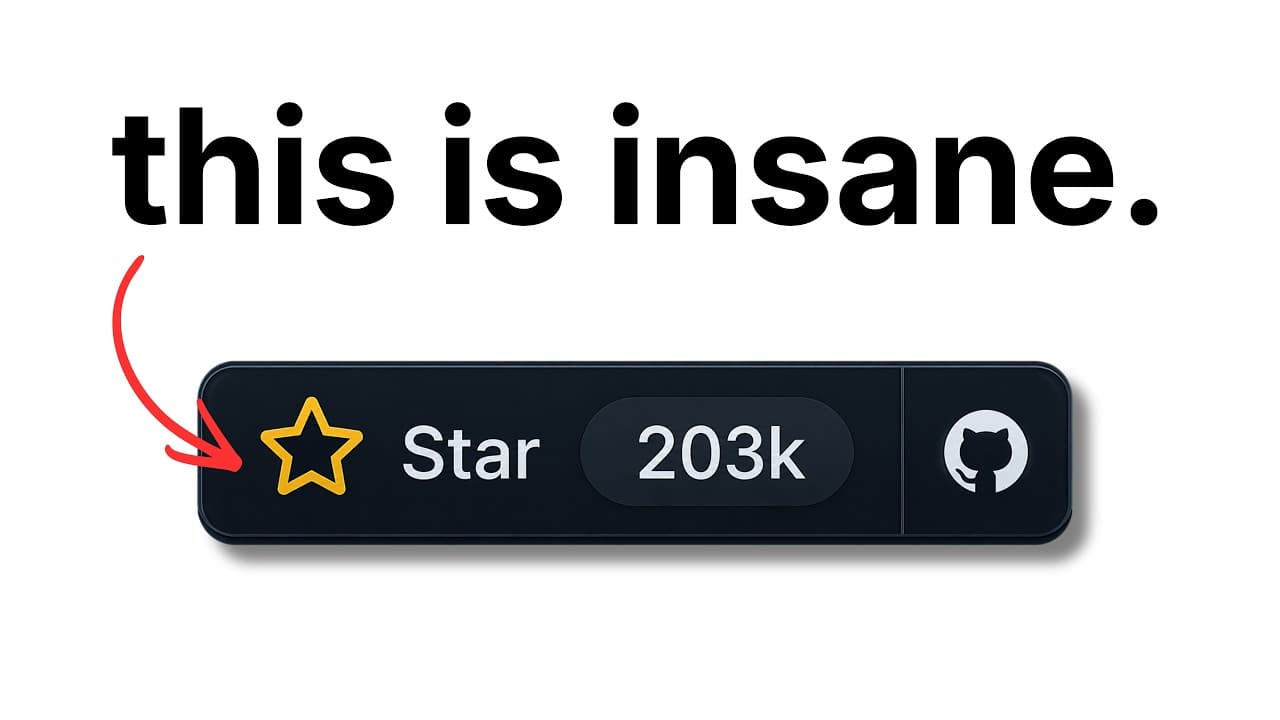
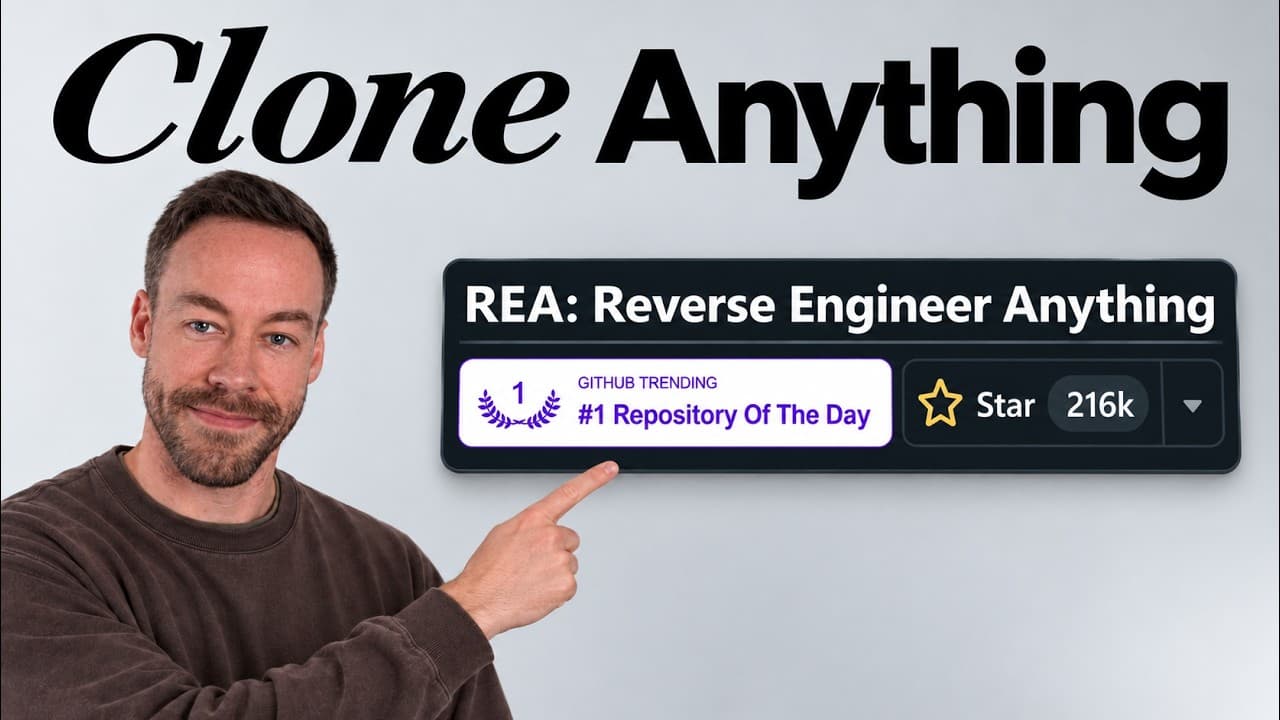
REA is an MCP tool plus a set of skills that plugs into Claude Code. The hype is real: the repo went from basically invisible to over 206,000 stars in a couple of days, and the star history chart shows a line that's close to vertical. By the time most people hear about it, it's already added another few thousand stars.
On the surface, the pitch sounds simple: it can deconstruct anything, so you can clone any software you want. But there's a catch most people miss. To point REA at an app, you already have to have that software on your machine. So why would you clone something you already own?
That's not the point. The real sell is this: you take an app that already exists, deconstruct how it actually works, and then build a customized version that fits your exact needs — your workflow, your business, your edge cases. You're not copying. You're learning the blueprint and then building something new.
What makes REA powerful is that it's not a one-size-fits-all tool. It acts as an MCP layer that selects specific tools and skills depending on the type of application you're reverse-engineering. A Go binary gets a different treatment than an Electron app, which gets a different treatment than a SQLite database. REA works across more than 20 different types of software, and it picks the right approach for each one.
How Does REA Actually Work?
REA runs on a four-step process: ask, map, investigate, and rebuild. To make it concrete, here's the same demo I walked through — deconstructing WhisperFlow, a voice-to-text dictation app — so you can see what each step actually does.
Step 1: Install REA and Ask It to Deconstruct an App
First you install REA. You can run its install command directly, or just paste the repo URL into Claude Code and say, "Can you go ahead and install this for me?"
Once it's installed, you ask Claude to start deconstructing an app. The prompt can be dead simple:
"Hey, can you take the REA skill and look at WhisperFlow? I want you to break it down into its component parts so we understand how it works and can create our own custom version of it."
That's it. No special syntax, no rigid format. You point it at the target and tell it what you're after.
Step 2: REA Loads Its Playbook and Maps the App
Once you send that prompt, Claude loads the REA playbook — its skills — and picks the right tool for the job based on the application type. Remember, there are 20+ possible application types, and this is where REA decides which approach fits.
Then it creates a summary of what's going on and starts making claims about the app based on your prompt. For WhisperFlow, that means questions like: What happens when the microphone turns on? What are the hotkeys? How does text get sent from one place into a text box?
Here's the part that matters. Every claim gets tagged as seen, inferred, or unknown. If there's hard evidence in the code, REA labels it "seen" and shows you the receipt — the actual code. If it's reasoning from indirect signals, it's "inferred," and it says so. If it genuinely doesn't know, it marks it "unknown." It's not making stuff up — you can always see its works cited.
With WhisperFlow, REA figured out the app is actually two parts: an Electron app (the "brain") and a native helper. That distinction drives everything that comes next, because each part needs a different analysis tool.
In one example, REA ran its analysis and took about 7 minutes to find just under 1,500 pieces of relevant information, which it turned into a map. That map is what REA references later when Claude asks it questions about how the app fits together.
Step 3: Claude and REA Run a Question-and-Answer Loop
Step three is where the real investigation happens. This is a question-and-answer loop between Claude and REA. Claude asks small, precise questions, and REA answers each one with a fact and a receipt — evidence pointing to exactly where that answer came from in the code.
Here's an interesting wrinkle: sometimes Claude can do this better than REA on its own. For the parts of WhisperFlow that were plain JavaScript inside the Electron app, Claude could just read the code directly. The numbers tell the story:
- The native helper (down at the machine-code level, the zeros and ones): 13 REA calls got all the information needed.
- The Electron app: only 5 REA calls, but 40 of Claude's own searches — because Claude could read that JavaScript itself without leaning on the repo.
This is the money step. All the information REA collected gets teased out until Claude has a complete, evidence-backed picture of how the app works.
Step 4: Get the Playbook for Your Custom Build
In the final step, REA hands back a write-up with everything tagged seen, inferred, or unknown. It answers the questions you'd actually have about how the app works, shows the evidence for each answer, and then sets up the real payoff: "Now let's write new code for our custom implementation."
That's the whole loop. You ask it questions, it maps everything out, Claude and REA go back and forth to figure out what's really happening, and in the end you get a playbook for your new application.
Why Is REA Better Than Just Using Claude Code Alone?
The secret sauce is that REA has specific tools for every type of application. If you just point Claude Code at a mystery binary on its own, it's harder — you're expecting it to figure out the right approach from scratch every time.
REA spells it out. The repo tells Claude the best way to reverse-engineer this specific thing, whether it's a Go binary, a Rust binary, a SQLite database, an Electron app, and on and on. It's like giving Claude Code the answers to the test. Instead of improvising a strategy for each target, Claude gets a purpose-built skill for that exact software type.
That's why it's popping off. It's not that reverse-engineering was impossible before — it's that REA made it reliable, repeatable, and evidence-backed across 20+ kinds of software.
What Should You Actually Build With REA?
Here's the mindset shift. After watching REA work, most people's first question is, "What can I go clone?" That's the wrong question.
The right question is: "What can I customize and create that's unique to me?"
You have a tool you use every day but it's missing a feature you need. You have an app that's close to what your business needs but not quite right. REA lets you understand exactly how those things work under the hood, then build a version that fits. The clone is just the starting point — the customization is the whole game.
Frequently Asked Questions
What is REA (Reverse Engineer Anything)?
REA is a free, open-source GitHub repo that works as an MCP tool and skill set for Claude Code. It lets Claude analyze software down to the machine-code level, understand how it works, and generate a plan to build a custom version. It supports more than 20 different software types and has crossed 206,000 GitHub stars.
Do I need the software I want to reverse-engineer already installed?
Yes. To point REA at an application, you need that software on your computer. That's why the strongest use case isn't cloning something you already own — it's deconstructing an existing app to understand it, then building a customized version tailored to your own needs.
How does REA avoid making things up?
Every claim REA produces is tagged as seen, inferred, or unknown. "Seen" claims come with a receipt pointing to the actual code as evidence, "inferred" claims are flagged as reasoning rather than fact, and "unknown" means it genuinely couldn't determine the answer. You always get the works cited, so you can verify each conclusion.
What kinds of software can REA handle?
REA works on over 20 application types, including Electron apps, Go binaries, Rust binaries, SQLite databases, desktop apps, and websites. It selects a specific tool and skill for each type rather than using one generic approach, which is what makes it more reliable than running Claude Code on its own.
Why is REA better than Claude Code by itself?
Claude Code can read and analyze code, but it has to figure out the right strategy for each target from scratch. REA provides a purpose-built playbook for each software type, so Claude already knows the best way to deconstruct a Go binary versus an Electron app. In practice that means fewer dead ends and evidence-backed answers.
If you want to go deeper into reverse-engineering software with Claude Code, join the free Chase AI community for templates, prompts, and live breakdowns. And if you're serious about building with AI, check out the paid community, Chase AI+, for hands-on guidance on how to make money with AI.
Topicsclaude-codereverse-engineeringopen-sourcemcpai-codingdeveloper-tools