Organize your vault.
Give notes, projects, source material, prompts, and finished work a clear home so Claude Code can find the right context.
Workshops with Chase
Turn your notes into a working memory for Claude Code, then build an AI command center around them.
Past workshop · June 10, 2026
The approach
Your Obsidian vault can hold more than reference material. With a clear structure, it becomes the context Claude Code uses to research, plan, and complete recurring work. Finished outputs return to the vault, alongside the notes and decisions that shaped them.
The workshop connects vault structure and working context to reusable workflows and a dashboard. The live session took place on June 10, 2026.
Workshop topics
Give notes, projects, source material, prompts, and finished work a clear home so Claude Code can find the right context.
Write a focused CLAUDE.md that explains your priorities, how you work, and how Claude should handle the vault.
Connect daily notes and project briefs to research, content, planning, or client delivery workflows you can run again.
Use dashboards and workflow controls to make the vault easier to navigate, run, and review.
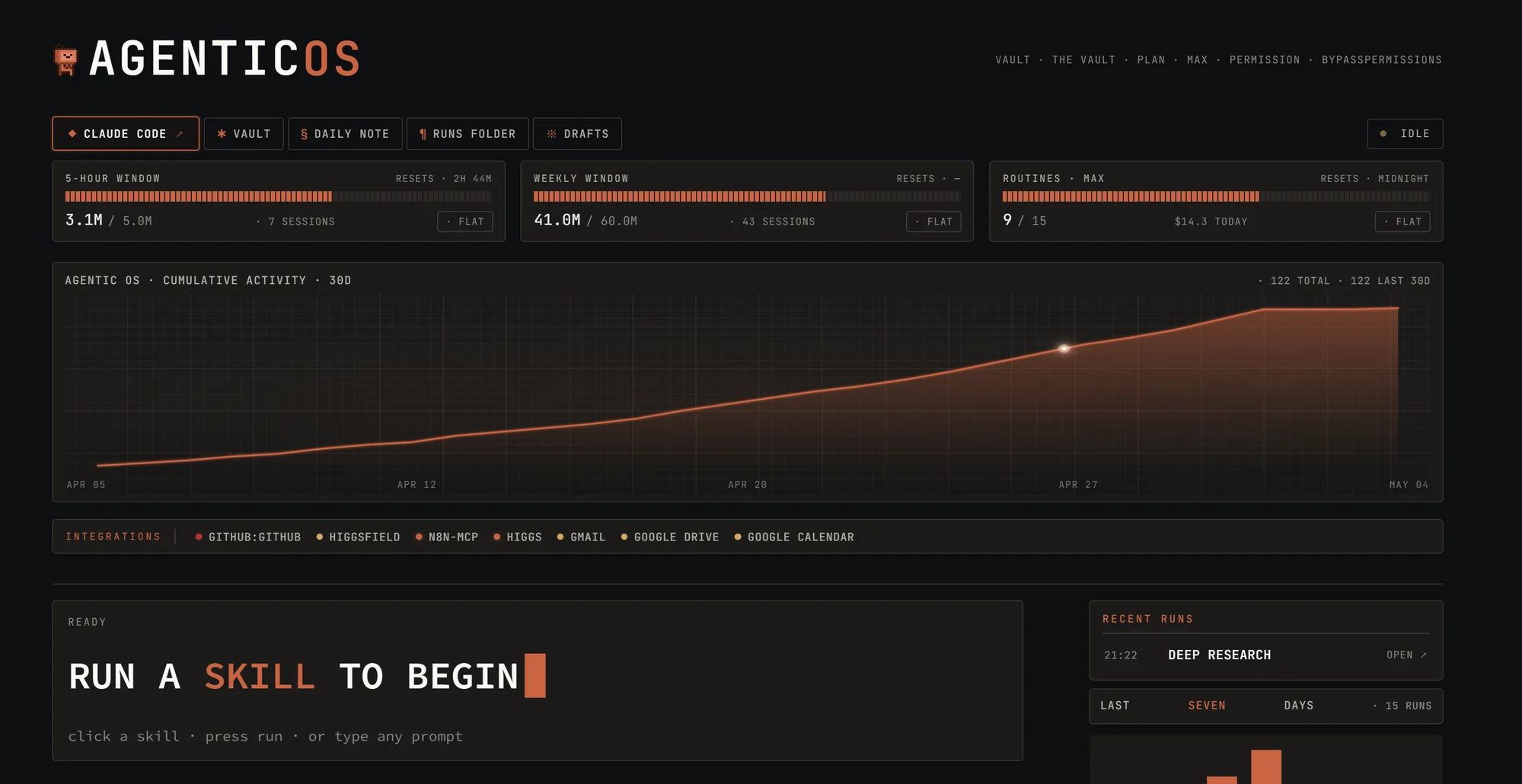
Bring it together
Choose one recurring project, give it the context it needs, and make the workflow repeatable. A dashboard brings those pieces into view as your system grows.
Get the community link and assessment for this workshop. Looking for a session tailored to your team? Tell me what you want to build.