Claude Duet: What It Is and How to Get Access
Anthropic's Claude Duet is an always-on personal AI agent with its own virtual computer and browser, powered by Opus 5.5. Here's how it works, who it's for, and how to get on the waitlist.
On this page
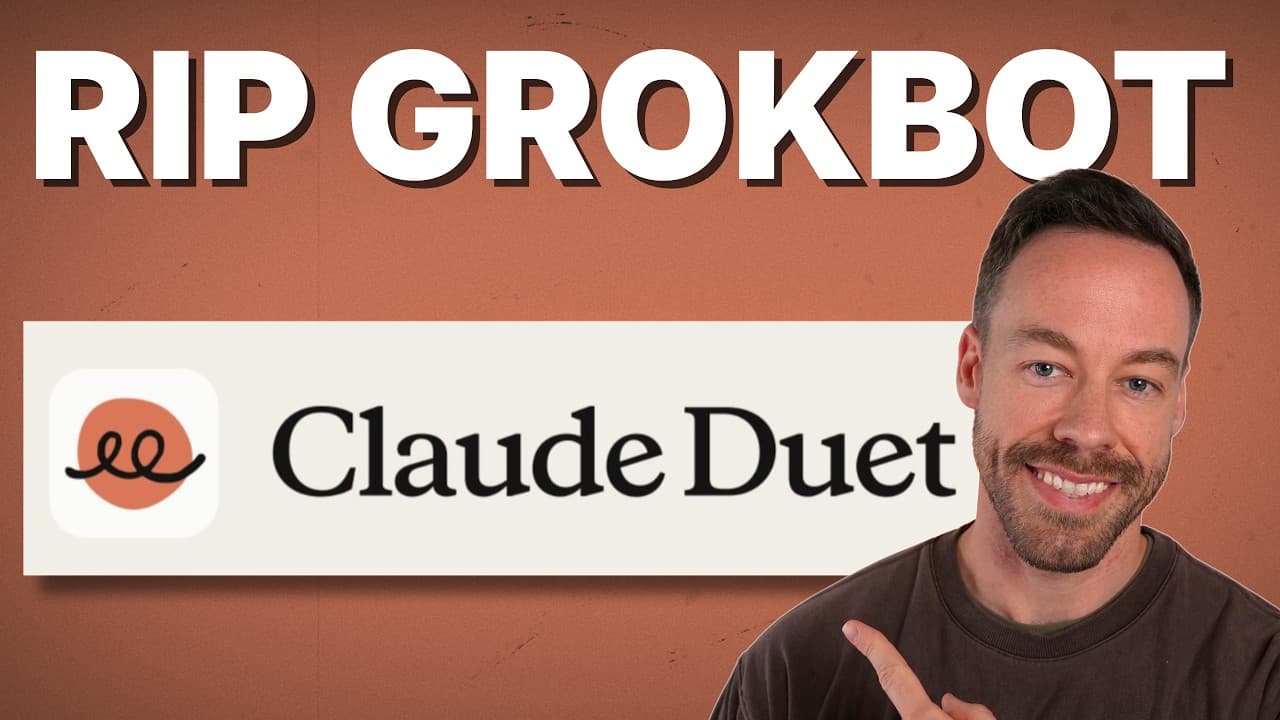
Claude Duet is Anthropic's always-on personal AI agent — a proactive assistant that runs on its own virtual computer in the cloud, carries over your memory, skills, and connected apps, and is powered by Opus 5.5. It's Anthropic's answer to Muse, Grok Bot, and OpenAI's Dots. Right now it's in research preview behind a waitlist, and I've been digging into how it actually works under the hood. Here's exactly what it does, who should care, and how to get access.
What Is Claude Duet?
Claude Duet is a personal AI agent that lives on a virtual machine with its own browser, running 24/7 in the cloud. Think of it as Opus 5.5 running on a Mac Mini that's always on — except you're not paying for the Mac Mini, and you never have to keep your own machine awake.
The two things that make Duet different from regular Claude come down to this:
- A built-in virtual computer — its own VM and browser, always running, so work happens even when your laptop is closed.
- Proactivity — it reaches out to you instead of waiting for a prompt.
Everything else — the memory, the skills, the connected apps — gets carried over straight from your existing Claude account. You're not rebuilding your setup from scratch. Duet inherits it.
If you want the honest one-liner: it's basically Claude Code remote, but with a 24/7 virtual computer attached and a proactive streak. Anthropic's own marketing copy around the difference is mostly noise. The real distinction is the virtual machine plus the fact that it talks first.
How Does Claude Duet Work?
The core of Duet is that virtual machine. Because it's on all the time and has its own browser, it can actually go do things — navigate the web, check apps, take action — without you being present or your hardware being online.
It's also its own standalone app. You don't have to wire up a bunch of configuration inside Claude Code to get it going. You type a request on your phone, and Duet handles it on the cloud machine.
Under the hood, everything runs on the auto mode classifier. If you've ever used bypass permissions in Claude Code, this won't surprise you — it's the same idea of letting the agent act without stopping to ask for approval on every step. Personally, I pretty much only work on auto these days, so this feels natural.
What Makes Claude Duet Proactive?
This is the part that separates Duet from a normal chatbot. It doesn't wait for you to prompt it. Two behaviors stand out:
- A daily morning brief. Every day, Duet writes you a brief that pops up on your phone. You don't ask for it — it just shows up. (I'm sure you can turn it off if you want.)
- Periodic app checks. Every few hours it pings your connected apps to see if anything needs your attention, then messages you directly. Think "Hey, you've got an email about X, Y, and Z" or "You need to run payroll on Gusto."
That proactive loop is the whole pitch. A regular assistant is reactive — it answers when spoken to. Duet watches your connected apps and surfaces what matters before you go looking. If you've used OpenAI's Dots, you already know there's real value in an assistant that just does things for you when you type a request on your phone. Duet brings that same ease of use, with Opus 5.5 behind it.
Is Claude Duet Safe to Connect to Your Apps?
Security is something Anthropic is leaning into hard with Duet, and for good reason. A lot of people are genuinely nervous about handing Claude access to something like their Gmail.
If you've spent serious time in Claude Code, you're probably already comfortable with this level of access. But for people who aren't as deep into AI tooling, giving an agent the keys to their inbox is scary — and Anthropic knows it.
Here's how they're addressing it:
- Credential and password handling uses the same system as Claude managed agents — not some new, untested path.
- A dedicated classifier plus a safety system prompt checks each message to make sure you aren't leaking sensitive information.
So there's a layer actively scanning for sensitive-data leaks on every message. It's not a cure-all, but it's a deliberate design choice aimed squarely at the people who'd otherwise never connect their apps to an AI agent.
How Does Usage Work With Claude Duet?
Duet pulls from your existing plan. There's no separate meter — it draws from the same usage pool you already have.
My best guess is that Opus 5.5 inside Duet will run on a medium effort setting, which keeps it relatively token-efficient. We'll see whether you can actually adjust that. If you're on a Max plan, I wouldn't worry about usage at all. The one place it could add up is those periodic app checks — but "every few hours" isn't exactly hammering your limits.
For context: I don't get anywhere close to my 20x Max plan ceiling unless I'm blasting Claude Code. I did exactly that this week and still had a reset, so I'm not worried about Duet eating my usage.
What I appreciate most here is the transparency. Anthropic is upfront that Duet pulls from your plan — which is more than I can say for how OpenAI handled Dots. With Dots, the line was "unlimited usage for now," but Dots quietly creates threads inside the product that do consume usage. Duet just tells you what to expect. And it's Opus 5.5, so what's not to love?
Who Is Claude Duet Actually For?
Here's where I'll be straight with you: if you're already proficient with Claude Code, you probably aren't the target customer.
The core audience for Duet is people who don't really touch Claude Code. Maybe they dabbled with co-work at some point, and they just want a personal AI agent — something akin to Muse, Grok Bot, or Dots — that does things for them when they type a request on their phone. The proactive morning brief and the app check-ins are a huge win for that crowd because the whole thing is intuitive and requires no setup.
That said, even heavy Claude Code users can get value — and the value is the virtual computer. A few scenarios where it earns its place:
- You work in a remote environment and don't already run an always-on machine or a VPS.
- You want an agent that keeps working when your own hardware is off.
- You like the idea of a proactive assistant you don't have to configure inside Claude Code every time.
So the quick gut check: if you live in Claude Code and already have an always-on setup, Duet is a nice-to-have built around the virtual machine. If you don't, the proactive, zero-setup personal agent is exactly what you've been missing.
How Do You Get Access to Claude Duet?
Claude Duet is in research preview, and access is gated behind a waitlist. Here's what you need to know:
- Be on the Pro or Max plan. The waitlist is open to Pro and Max subscribers.
- Join the waitlist. Anthropic links it from the Duet announcement.
- Fill out the short form. It asks for basics — your name, your company name, and what you'd use Duet for.
That's it. There's no cost to putting your name down, so if you're even mildly curious, get on the list. I'm genuinely excited about this one, and I'll have more content breaking down Duet as it rolls out.
Frequently Asked Questions
What is Claude Duet?
Claude Duet is Anthropic's always-on personal AI agent. It runs on its own virtual computer with a browser in the cloud, is powered by Opus 5.5, and carries over your memory, skills, and connected apps from your Claude account. It's proactive — it writes you a daily morning brief and checks your connected apps every few hours.
How is Claude Duet different from regular Claude?
Two things. First, Duet has a built-in virtual computer that runs 24/7, so it can take action without your own machine being on. Second, it's proactive — it reaches out with a morning brief and app updates instead of waiting for you to prompt it. In practice it's like Claude Code remote with an always-on VM attached.
How much does Claude Duet cost to use?
Duet pulls from your existing Claude plan rather than charging separately. It likely runs Opus 5.5 on a medium effort setting to stay token-efficient. If you're on a Max plan, usage shouldn't be a concern — the only ongoing draw is periodic app checks every few hours.
Is it safe to connect Claude Duet to my Gmail and other apps?
Anthropic uses the same credential and password handling as Claude managed agents, plus a dedicated classifier and safety system prompt that checks each message for sensitive-information leaks. It's built with the security-wary user in mind, though you should still apply your own judgment about what you connect.
Do I need Claude Duet if I already use Claude Code?
Not necessarily. If you're proficient with Claude Code and already run an always-on machine or VPS, Duet's main draw is its virtual computer. The bigger audience is people who don't use Claude Code and want an intuitive, proactive personal AI agent with zero setup.
How do I join the Claude Duet waitlist?
You need to be on the Pro or Max plan. From there, join the waitlist linked in Anthropic's announcement and fill out a short form with your name, company name, and what you'd use Duet for. There's no cost to sign up.
If you want to go deeper into building with Claude and AI agents, join the free Chase AI community for templates, prompts, and live breakdowns. And if you're serious about building with AI, check out the paid community, Chase AI+, for hands-on guidance on how to make money with AI.
Topicsclaude-duetanthropicai-agentsopus-5.5claude-codeai-assistant