How Claude Makes Videos With JavaScript (For Free)
Claude can now create high-quality explainer and motion-graphics videos using nothing but JavaScript, Playwright, and FFmpeg — no AI video generator required. Here's exactly how it works and how to set it up yourself.
On this page
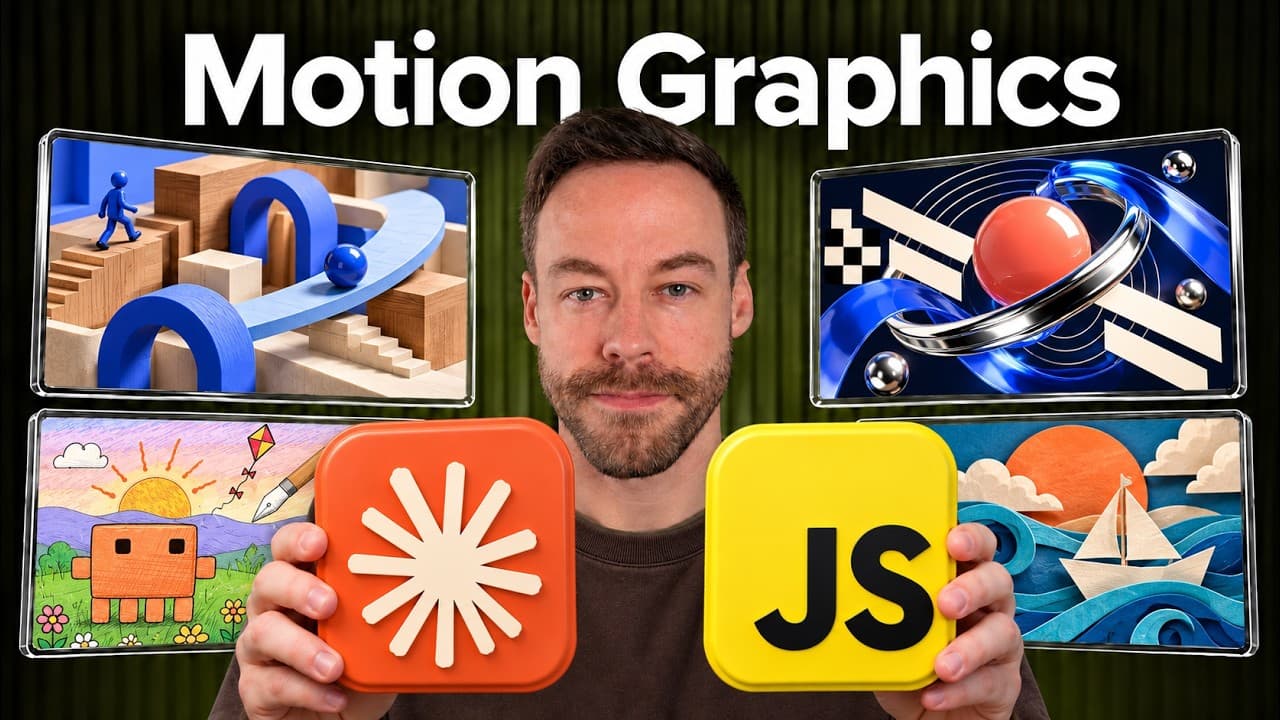
Claude can create polished explainer and motion-graphics videos using nothing but JavaScript, a headless browser, and FFmpeg — no AI video generator involved. You don't need Remotion. You don't need After Effects. You don't need a paid text-to-video model. You need Claude Code and code. I've been building these for a while now, and the quality is high enough that people assume they came out of an expensive animation pipeline. Here's exactly how it works, and how you can set it up yourself.
This isn't an AI video generator. It's Claude writing JavaScript that draws still images, stitching those images together, and exporting an MP4. That one distinction changes everything about the cost, the control, and the quality you can get.
How Does Claude Create Video Without an AI Video Generator?
The short answer is that every frame of the video is a function of JavaScript code. Claude doesn't "generate" video the way a model like Sora or Veo does. It writes a function that takes a time value, t, and returns one picture. Ask for 60 pictures every second, play them in order, and that's a video.
I actually had Claude make a video explaining this exact process, in the style of a 3Blue1Brown video, in a single one-shot attempt. The narration summed it up perfectly: Claude never made a video — it wrote what the video is, a function of time.
Here's the pipeline in plain terms:
- One frame is generated by JavaScript as a single still image.
- One second is 60 of those frames stitched together.
- A headless browser (Playwright) draws each frame so Claude can "see" its own output.
- FFmpeg — free and open source — stitches the frames into a finished MP4.
- Audio can be code-generated or supplied separately (the explainer video used ElevenLabs for narration).
Because the same t always returns the same picture, any single frame can be redrawn or checked on its own. That's what makes the whole thing debuggable — and it's the foundation for everything below.
Does Claude Need High Effort Settings to Make Good Videos?
No — and this is the part most people get wrong. If your videos look off, it's almost never an effort problem. It's a prompting problem.
I ran a test to prove it. I gave Opus 5.5 a simple prompt: "Make a dynamic 15-second motion graphics video that shows what an incredible motion designer you are, like a showreel for a resume. Go all out. Don't use any skills." Then I ran it at three effort levels:
- Low finished in about 20 minutes.
- High took about 30 minutes.
- Ultra took 8 hours.
Ultra was the best of the three, no question. But low and high both did just fine. The baseline ability of Claude writing JavaScript is genuinely strong — you do not have to crank effort to ultra and wait 8 hours to get something legit. If your output is weak, fix the prompt before you blame the effort level.
Why Should You Ask for a Storyboard First?
There is one move that improves outcomes more than anything else: ask for a storyboard before Claude codes a single frame.
The idea is simple and borrowed straight from how AI video generation already works. Before you tell Claude to build a 15, 30, or 60-second video from one prompt, have it storyboard the beats first. It produces individual frames representing the key scenes, so you can get hands-on and change direction before anything is coded.
This matters because these JavaScript videos can take a long time to render, especially once you add the self-checking loop. The worst case is a 20-minute render that comes back wrong, a tweak, another 20-minute render, and suddenly you're three hours deep in a generation-after-generation death spiral. A storyboard asks Claude to show you roughly seven big scenes up front, so you steer early and skip the loop. It will save you an enormous amount of time.
What Does a Good Video Prompt Actually Include?
Once you move past the basics, a strong prompt spells out the dependencies and the workflow. Here's what to mention, in order:
- Length and type — e.g. "a 30-second animated explainer about how X works."
- Aspect ratio — full-screen landscape, or vertical for short-form social.
- JavaScript — state it explicitly as the method.
- Soundtrack — it can be pure code, or you can supply your own audio. You can even work backwards: hand Claude the narration MP3 first and have it time the visuals to the audio.
- Rendering — "render it to an MP4 with Playwright and FFmpeg." Playwright runs the headless browser so Claude can check that the frames make sense; FFmpeg does the stitching.
- The self-check — end with something like: "Before you call it done, use FFmpeg to pull a contact sheet, look at it, fix what's wrong, re-render, and repeat."
You don't need that exact wording, but you do need to tell it to verify its own work with Playwright and FFmpeg before declaring the job finished.
Here's the thing: Opus 5.5 and Fable 5.1 are good enough that they'll often do all of this even if you don't ask. But you should still understand the moving parts — because when it isn't doing what you want, knowing the pipeline is the only way to articulate the fix. For narration, ElevenLabs is the best tool I've found (around $5/month, and they just shipped an MCP), but there are plenty of open-source options too.
How Do You Use Reference Images and Videos?
Level three is where you stop relying on prompts alone and start feeding Claude references. There are two kinds:
- Image references — "insert this exact image," or "copy this aesthetic style."
- Video references — "use the composition of this video as inspiration, but with my own content."
Claude is genuinely good at this. In one test, I fed it a reference video about currency that was built with Opus 5.5 and Remotion. On the right, Claude produced a JavaScript recreation — except my version explained the history of electricity. The composition was clearly from the same family of design, but the actual content was completely different. That's the sweet spot: borrow the structure, swap the substance.
Where do you find inspiration? A couple of spots I like:
- skillery.dev — has a category for AI videos. It's paid, but the free tier shows plenty to get your ideas turning.
- Twitter/X — a creator named Kevin is about the best out there at this style. Study his profile to see the upper ceiling of what's possible.
How Do You Turn This Into a Repeatable Skill?
Level four is about codifying the whole thing so Claude can run it the same way every time. The best way to do that is to turn it into a Claude Code skill — which is exactly what I built and am giving away.
The skill wraps the entire JavaScript workflow above and walks you through it stage by stage. It ships with seven preloaded styles — including cut paper, crosshatch, Rizzoli sketchbook, and isometric — and you can add custom styles by handing it a reference image or video.
Here's how it flows:
- Intake — it asks about your subject, format, audio and voice, and whether you want a hero character carried from the first scene to the last.
- Story — you shape what the narrative will look like.
- Storyboard — it pushes to a storyboard so you can eyeball each scene before anything is built.
- Code and deliver — it writes the video and hands it back, looping through the frames with Playwright and FFmpeg automatically to make sure everything syncs.
You just answer the questions and provide any references. Installing it is easy: add it as a plugin, or hand the URL to Claude Code and it will do everything — including checking that you have the prerequisites like Playwright, FFmpeg, and faster-whisper, and even offering to set up the ElevenLabs connector.
It's very much a work in progress — I've been messing with it constantly — so if you build improvements, open a PR so everyone benefits.
Why This Matters
The reason I keep coming back to these JavaScript videos is simple: they're essentially free. You pay for them with usage, not with a third-party AI image or video generator. There's no per-render fee from an outside model, and the quality ceiling is high. The entire skillset comes down to two things — knowing how to prompt it, and knowing how to give it references. Everything else is just Claude, code, and two open-source tools doing the heavy lifting.
Frequently Asked Questions
Is Claude actually generating video like Sora or Veo?
No. Claude writes JavaScript that renders still images — one frame per time value t — then uses FFmpeg to stitch 60 frames per second into an MP4. There's no diffusion model or AI video generator involved, which is why the approach is nearly free and fully debuggable frame by frame.
What tools do I need to make videos this way?
You need Claude Code, Playwright (to run a headless browser so Claude can check its own frames), and FFmpeg (to stitch frames into the final MP4). For narration, ElevenLabs works well at around $5/month, though open-source options exist. The skill can also use faster-whisper for timing.
Do I need the highest effort setting for good results?
No. In testing, low effort finished in about 20 minutes and high in about 30, and both produced solid videos. Ultra took 8 hours and was the best, but the difference was marginal. Weak output is almost always a prompting issue, not an effort issue.
Why should I ask for a storyboard before the full video?
Because rendering can take 20 minutes or more per pass, and a wrong render sends you into a long regenerate loop. A storyboard shows you the key scenes as individual frames first, so you can change direction before any code is written — saving hours.
Can Claude copy the style of a video I like?
Yes. You can feed Claude a reference video and have it reuse the composition while swapping in your own content, or give it an image to match an aesthetic. In one test, a currency explainer built with Remotion became a JavaScript video about the history of electricity — same design family, completely different subject.
If you want to go deeper into building videos and automations with Claude Code, join the free Chase AI community for templates, prompts, and live breakdowns. And if you're serious about building with AI, check out the paid community, Chase AI+, for hands-on guidance on how to make money with AI.
Topicsclaude-codeai-videojavascriptffmpegplaywrightmotion-graphicsai-automation